Written from live project work
WordPress vs Wix: Which Should You Actually Build On?
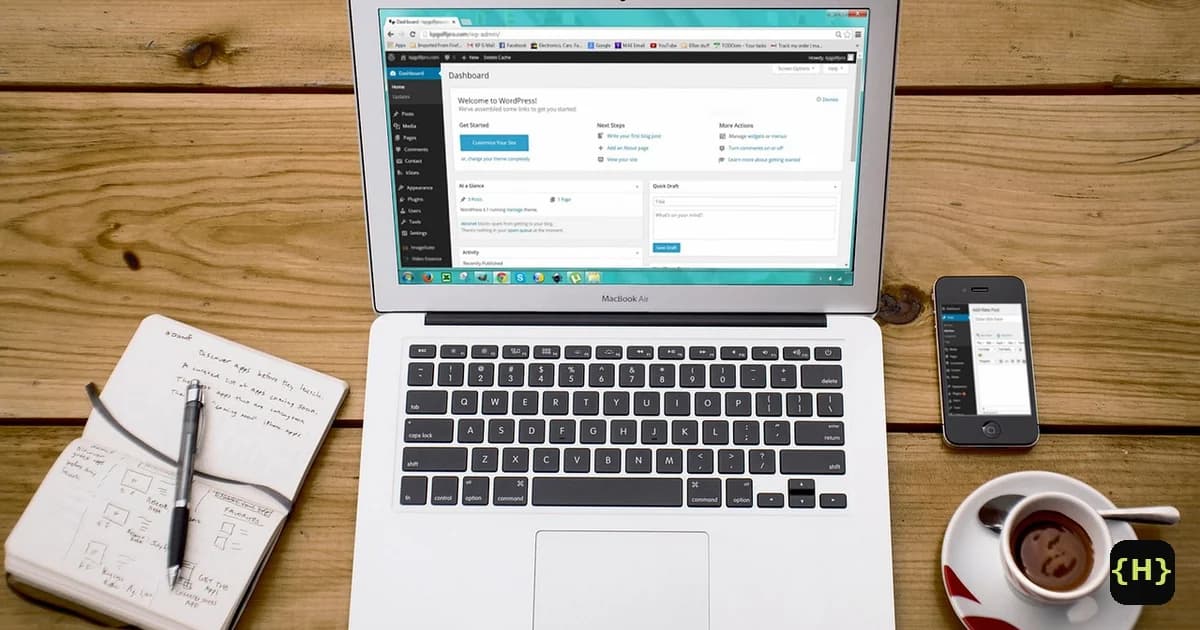
Most people choose a website platform on a Saturday afternoon and live with that choice for years. WordPress vs Wix is the decision I get asked about more than any other, and it isn’t really a fight over which one is “better”. It’s a trade between owning your software outright and renting a system that runs itself. I build WordPress sites for a living, and I’ll still point a client to Wix when it’s the smarter call. This is the honest version, from someone who has shipped both kinds of project.
Is WordPress or Wix better?
Neither wins outright, they win different briefs. In 2026, choose Wix if you want one company to handle hosting, updates and security while you drag a good-looking small site together in a weekend. Choose WordPress if you need custom features, real content scale, strong SEO control or full ownership of what you build. The WordPress vs Wix answer is a match between the tool and the job, not a scoreboard.
The short version I give clients: if the site is a simple brochure, portfolio or booking page and nobody on the team codes, Wix is a defensible pick. If the site is central to how the business makes money, or it will grow, WordPress almost always pays off. For a longer look at the hosted-builder trade, my WordPress vs Squarespace breakdown covers the same tension from a different angle.
What is the real difference between WordPress and Wix?
The core difference is open versus closed. WordPress is open-source software you install on hosting you control, with over 60,000 plugins and the freedom to change themes or move hosts whenever you want. Wix is a closed, all-in-one platform: the editor, hosting, updates and security come as one managed package you rent by the month. Everything else in the WordPress vs Wix debate flows from that one split.
That trade is real in both directions. Wix’s closed model is exactly why it’s easy: there’s nothing to install, patch or break, and its drag-and-drop editor plus AI builder can stand up a site in minutes. WordPress asks more of you upfront (hosting, a theme, some plugins) and rewards you with control that a closed builder structurally cannot offer.
What does each one actually cost?
Wix is more predictable to start; WordPress is usually cheaper to own long term. In 2026, Wix’s four premium plans run from $17/month for Light to $159/month for Business Elite, billed annually, with hosting, templates and support bundled in (Website Builder Expert, Wix pricing 2026). WordPress software is free, but you pay separately for hosting from roughly $4/month, plus any premium plugins and developer time.
So the WordPress vs Wix cost picture depends on the timeline. Wix’s bundle looks cheaper on day one and stays flat and easy. WordPress costs more attention upfront, then avoids per-feature platform pricing as the site grows, which is why larger or revenue-driving sites tend to land cheaper on WordPress over a few years. If you want a real number for a build, I publish fixed pricing on my services page.
Is Wix or WordPress better for SEO?
Both can rank; the difference is how much control you get. WordPress gives you full command of the technical layer, URL structure, redirects, schema, meta rules and the fastest SEO plugins, which is why agencies default to it for competitive search. Wix has closed much of its old SEO gap and ships solid built-in tools, but you optimize inside its structure rather than owning it. For the Wix vs WordPress SEO question, WordPress has the higher ceiling and Wix the gentler floor.
In practice, a small local business ranks fine on Wix with clean content and good basics. A content-heavy or competitive site benefits from WordPress’s deeper control, custom schema and lighter, faster front-ends. SEO is won by execution first and platform second, but the platform decides how high you can push once execution is dialed in.
The catch nobody mentions: you can’t take a Wix site with you
This is the part of the WordPress vs Wix decision that costs people later. Wix is a closed platform, and you cannot fully export a site built in its editor to another host. An RSS feed can carry your blog posts out, but pages, design and structure have to be rebuilt by hand, which is why moving off Wix is a manual project (Kinsta, migrating from Wix to WordPress, 2026). With WordPress, your content and database are yours to export and move any time.
The difference comes down to what you rent. On WordPress you rent hosting; on Wix you rent the whole platform. It rarely matters on day one, and it matters a lot the day you outgrow the tool or want to change direction. If you’re weighing a move, I handle custom builds and rebuilds, and you can see the same lock-in trade in my WooCommerce vs Shopify comparison for stores.
What about Wix’s new AI builder?
Wix is going all-in on AI, and it’s genuinely useful for a first draft. In 2026 Wix launched Harmony, its “vibe coding” builder driven by an AI agent, and its Base44 acquisition (bought in 2025) reached $100 million in annual recurring revenue within nine months (Calcalist, Base44 hits $100 million ARR, 2026). An AI prompt can now stand up a Wix site faster than ever, and that’s a real advantage for a simple project.
The caveat is what happens after that first draft. AI builders handle the first 80% well and get stuck on the last 20%, the custom logic, the edge cases, the performance work and the maintainability a real build needs. It’s the complaint I keep seeing from other developers: a page builder, AI or not, doesn’t make the output a professionally maintainable site. Wix’s AI push has also come at a cost to the company itself, with analysts trimming their outlook as it swung to a net loss on AI spending (Yahoo Finance, 2026). Fast to start is not the same as easy to own.
WordPress vs Wix at a glance
| Factor | WordPress | Wix |
|---|---|---|
| Model | Open-source, self-hosted (owned) | Closed, all-in-one (rented) |
| Starting cost | Free software + hosting from ~$4/mo | From $17/mo, hosting included |
| Ease of setup | Learning curve, or a developer | Drag-and-drop, AI builder |
| Customization | 60,000+ plugins, unlimited | Wix App Market, within limits |
| SEO control | Full technical control | Good built-ins, fixed structure |
| Maintenance | You or your developer | Fully managed by Wix |
| Data portability | Export and move any time | No full export, manual rebuild |
| Best for | Custom, content-heavy, scaling sites | Simple, fast, low-maintenance sites |
Do professionals use Wix?
Yes, for the right jobs. Freelancers and small studios use Wix for quick brochure sites, local businesses and clients who want to self-manage, because the hosting and updates are handled and the editor is forgiving. It’s a legitimate tool, not a toy. What it isn’t is the platform serious teams reach for when a project needs custom features, heavy content, integrations or scale.
Developers pick WordPress for those cases because it’s extensible without limits and the site stays portable. That’s the split across the WordPress vs Wix line: Wix for simple and self-served, WordPress for custom and owned. Neither choice is embarrassing, but picking the wrong one for a growing business gets expensive.
Which should you actually choose?
Choose Wix if you’re a solo owner or small team, the site is simple, and you value zero maintenance over long-term flexibility. You’ll trade some control and portability for a system that just runs, and for many small sites that’s a fair deal. Wix’s bundled pricing and managed hosting make it a sensible, low-risk starting point.
Choose WordPress if the website matters to your revenue, you need custom functionality or serious SEO, or you want to own what you build and keep the option to move. It asks for more setup or a developer, and it repays that with control a closed builder can’t match. If you’re not sure which side of the WordPress vs Wix line you’re on, I’ll give you a straight answer, no pitch, on a quick project call, or you can grab a free homepage mockup to see the custom route first.
Sources
W3Techs, Usage statistics and market share of content management systems, retrieved 2026-07-31, w3techs.com/technologies/overview/content_management. Website Builder Expert, Wix Pricing Plans 2026: All Costs and Fees Explained, retrieved 2026-07-31, websitebuilderexpert.com/website-builders/wix-pricing. Kinsta, How to Migrate from Wix to WordPress, retrieved 2026-07-31, kinsta.com/blog/wix-to-wordpress. Calcalist (CTech), Base44 hits $100 million ARR nine months after Wix acquisition, retrieved 2026-07-31, calcalistech.com.
Frequently asked questions
Is Wix better than WordPress?
For a simple site run by a non-technical owner, Wix is often the better fit because hosting, updates and security are handled for you. WordPress is better when you need custom features, strong SEO control, content scale or full ownership. As of July 2026 WordPress still powers 41.2% of all websites versus Wix’s 4.3% (W3Techs), reflecting that gap in flexibility.
Why is WordPress cheaper than Wix?
WordPress software itself is free, so you only pay for hosting (from around $4/month), a domain and any premium plugins. Wix bundles hosting, tools and support into plans from $17/month billed annually, which is more predictable but adds up over time. WordPress usually wins on long-term cost, Wix on simplicity and upfront ease.
Can you move a Wix site to WordPress later?
Partly, and it’s manual. Wix is a closed platform with no full export, so an RSS feed can move your blog posts, but pages, design and structure have to be rebuilt in WordPress by hand (Kinsta, 2026). Plan the switch deliberately, or start on WordPress if you expect to grow, since your content there stays fully portable.
Is Wix good for SEO in 2026?
Yes for most small sites. Wix has closed much of its old SEO gap and ships capable built-in tools, so a local business with clean content ranks fine. WordPress still offers a higher ceiling through full control of URLs, redirects, schema and faster front-ends, which matters most for competitive or content-heavy sites.
Do professionals use Wix?
Some do, for simple brochure sites, local clients and owners who want to self-manage, because Wix handles hosting and maintenance. Professionals move to WordPress when a project needs custom functionality, integrations, heavy content or scale, the cases that sit outside Wix’s fixed, closed toolset.
Share this article


